Olympia TV 2026 is the official online destination for the Mr. Olympia pay-per-view, selected free programming and previous Olympia replays. The service is available through OlympiaProductions.com and does not require a traditional television provider.
The official Olympia FAQ directs remote viewers to this platform for the 2026 competition. This guide explains how OlympiaTV accounts work, where to find purchased content, which devices are listed and how the Fan Channel differs from the professional PPV.
What is OlympiaTV?
OlympiaTV is the Olympia organization’s official video platform. It carries live and recorded bodybuilding content, including:
- The annual professional Olympia pay-per-view
- Amateur Olympia events
- Wings of Strength programming
- Previous Olympia replays
- Selected free Fan Channel content
Different products have different prices and access terms. A free account provides platform access, but it does not unlock every paid event.
Olympia TV 2026 and the official PPV
The 2026 Olympia FAQ confirms that viewers can order and watch the event through OlympiaProductions.com.
As of July 30, the public catalog showed other 2026 events and past Olympia replays but not a final Las Vegas 2026 PPV product page. That means the official purchase route is confirmed while the final package price and detailed inclusions remain pending.
Check the dedicated Mr Olympia PPV 2026 guide for current buying information.
How to create an OlympiaTV account
- Visit OlympiaTV.
- Select “Register Free” or “Start Watching.”
- Enter an accessible email address.
- Create a unique password.
- Complete any email-verification requirement.
- Sign in and review the account menu.
Use the same account for purchase and playback. Creating multiple accounts can make it difficult to locate paid content.
How to find purchased events
OlympiaTV explains that previously purchased livestreams can be found by signing in and opening Transactions under account settings.
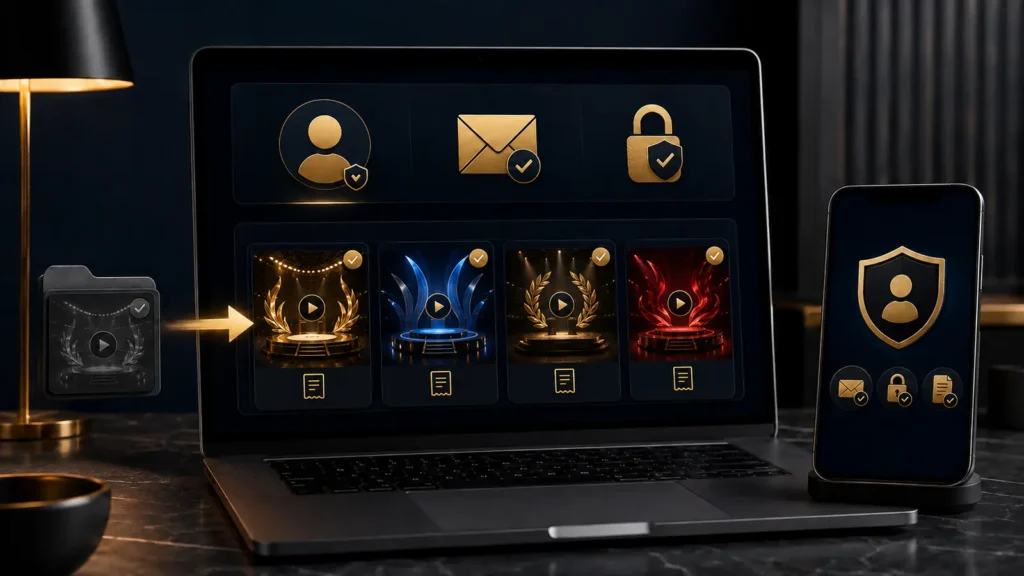
If a product is missing:
- Confirm the account email matches the receipt.
- Verify that payment was completed.
- Check the product year.
- Search the purchased-content or Transactions area.
- Sign out and back in.
- Contact official support if the purchase still does not appear.
Keep receipts until the full viewing period has ended.
Olympia TV apps and devices
The current platform lists several ways to watch.
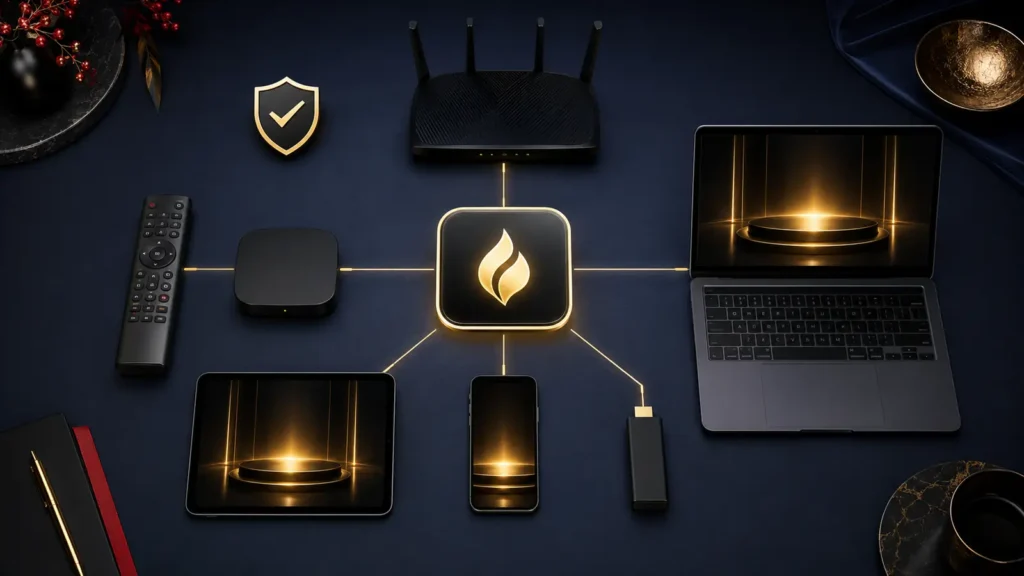
Television
- Apple TV, fourth generation or newer
- Roku 4 or newer
- Android TV
- Amazon Fire TV
Mobile
- iPhone with iOS 12 or newer
- iPad with iOS 12 or newer
- Android devices with Android 5.0 or newer
Computer
- Microsoft Edge 88 or newer
- Safari 13 or newer
- Firefox 78 or newer
- Chrome 71 or newer
These published minimums are not a guarantee that every device model will perform equally. A newer operating system and app are generally preferable.
How to watch Olympia TV on a television
Use the native OlympiaTV app when it is available for the device:
- Open the television platform’s official app store.
- Search for OlympiaTV.
- Install or update the official app.
- Sign in with the purchasing account.
- Open the event or replay.
- Test playback and audio.
An HDMI connection from a computer is a useful alternative. Casting and screen mirroring can work in some setups but should be tested before the live event.
Does OlympiaTV have a monthly fee?
The platform states “No monthly fee.” Users can register without a monthly television subscription and purchase relevant event or replay products.
This does not mean that all content is free. Live PPVs and replay packages can have individual prices.
What is the Olympia Fan Channel?
The Fan Channel is a free section of OlympiaTV containing selected Olympia material. The platform says examples can include:
- World Fitness Expo coverage
- Thursday press-conference coverage
- Bonus Olympia programming
- Past events
- Links to premium streams
OlympiaTV clearly states that the Fan Channel does not include the latest professional competitions. Fans who want current prejudging and finals need the official viewing package.
Olympia replays and video on demand
OlympiaTV maintains products for earlier Olympia competitions. The public catalog includes multiple past events and video-on-demand packages.
Before buying a replay, confirm:
- Event year
- Language
- Number of videos
- Included divisions
- Price
- Access period
- Whether it is a replay or live product
A lower-priced old replay is not the same product as the 2026 live PPV.
OlympiaTV login and password help
If login fails:
- Confirm the email address.
- Check for typing errors.
- Use the official password-reset option.
- Check spam folders for reset messages.
- Avoid repeated rapid attempts.
- Contact official support if the account remains inaccessible.
Never send a password or one-time login code to a person claiming to provide support through social media.
Streaming preparation for Olympia Weekend
- Update the app several days before the event.
- Confirm that purchased content appears.
- Test a free video.
- Save the account email and receipt.
- Convert the Las Vegas schedule to local time.
- Use a stable connection.
- Prepare a second supported device.
- Sign in before the event player opens.
For a complete technical checklist, read how to watch Mr Olympia 2026 online.
Frequently asked questions
Is OlympiaTV the official Mr Olympia platform?
Yes. The official Olympia FAQ directs viewers to OlympiaProductions.com for the 2026 pay-per-view.
Is registration free?
OlympiaTV offers free registration. Paid event access is purchased separately.
Does Olympia TV have free content?
Yes. The Fan Channel contains selected free programming, but it does not include the latest professional competition.
Can I watch past Mr Olympia contests?
OlympiaTV lists replays and video-on-demand products from previous years.
Where are my purchased streams?
Sign in and check Transactions under account settings, as directed by OlympiaTV.
Final platform verdict
Olympia TV 2026 is the correct official platform for remote Olympia viewing. Register early, buy the correct event-year product, confirm device compatibility and understand the difference between free Fan Channel material, a live PPV and a paid replay.
Leave a Reply