Fans can watch Mr Olympia 2026 online through OlympiaTV using a supported computer, phone, tablet or television platform. The official service does not require a traditional television provider, but viewers still need the correct event package, a compatible device and a stable internet connection.
This technical guide focuses on device support, account setup, television viewing and common problems. For competition times, use the separate Mr Olympia 2026 live stream schedule.
Devices supported by OlympiaTV
OlympiaTV currently lists support for several device categories. Platform requirements can change, so check the official page before the 2026 event.
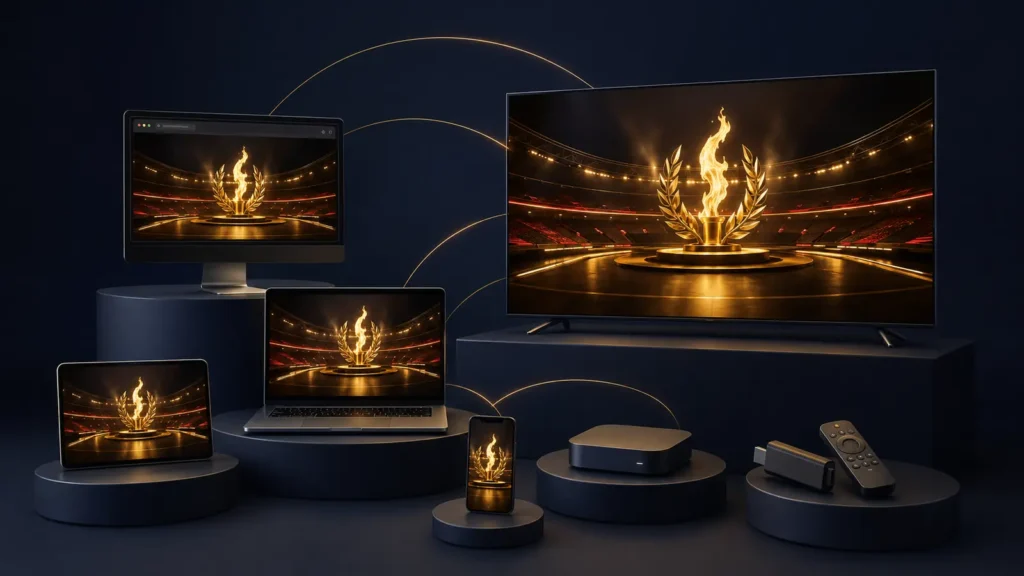
Computers and web browsers
The official platform lists:
- Microsoft Edge 88 or newer
- Safari 13 or newer
- Firefox 78 or newer
- Chrome 71 or newer
watch Mr Olympia 2026 online in Modern versions are preferable even when an older minimum is listed. Browser security updates and media-playback fixes can improve reliability.
iPhone and iPad
OlympiaTV lists:
- iOS 12.0 or newer
- iPhone 5 and newer
- iPad 4, iPad Mini 2 and newer
Very old hardware may technically meet a minimum requirement but still struggle with high-resolution playback. Update the operating system and app when possible.
Android phones and tablets
The platform lists Android 5.0 or newer. App availability can differ by device, region and manufacturer.
Open the official app-store link from OlympiaTV rather than installing an unofficial APK.
Television platforms
The current OlympiaTV page displays support for:
- Apple TV, fourth generation or newer
- Roku 4 or newer, including 4K where available
- Android TV
- Amazon Fire TV
Device generations and app availability should be checked directly. A television described as “smart” is not automatically compatible with every app.
How to watch Mr Olympia 2026 online
Step 1: Create an OlympiaTV account
Go to OlympiaTV and choose the free registration option. Use an email address you can access because password recovery and purchase confirmations may depend on it.
Step 2: Verify your account
Complete any email-verification step and sign in successfully before buying. Record which email address you used.
Step 3: Find the correct event package
Select the product specifically identified as the 2026 Olympia in Las Vegas. Do not confuse it with:
- A past Olympia replay
- An Amateur Olympia event
- A Wings of Strength event
- A regional contest
- A translated replay package from an earlier year
Step 4: Review the product page
Check the price,watch Mr Olympia 2026 online, included sessions, replay terms, taxes and supported viewing locations. The final 2026 Las Vegas package price had not appeared in the public catalog as of July 30.
Step 5: Complete the official checkout
Purchase only through OlympiaTV’s official payment flow. Save the receipt.
Step 6: Test playback
Open free Fan Channel content or another accessible video to confirm that the player works on your chosen device.
Step 7: Sign in before the event
Complete app updates, casting and television login well before the first session.
How to watch on a television
The best method is usually the native OlympiaTV app for a supported television platform.
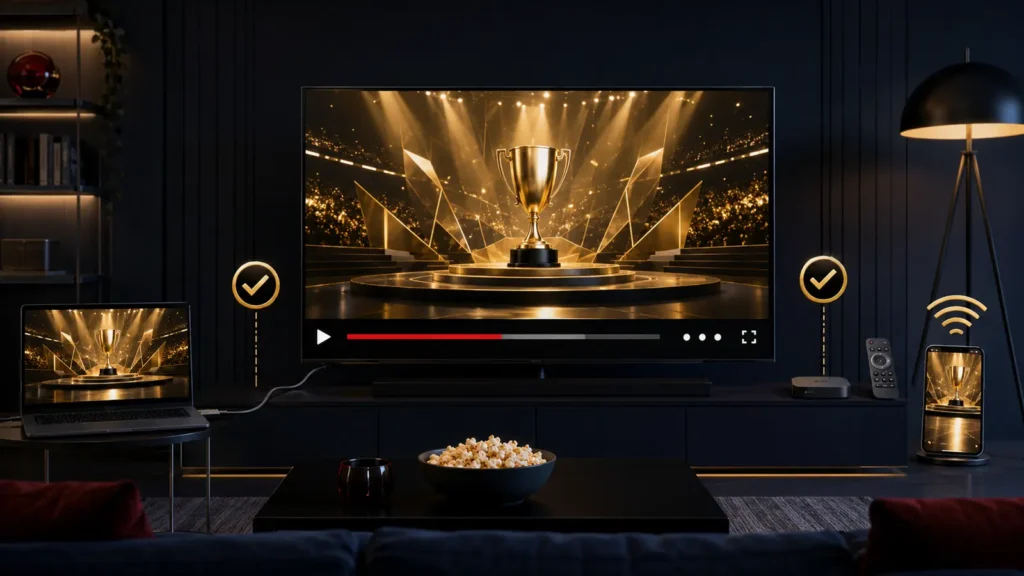
- Open the official app store on the device.
- Search for OlympiaTV.
- Confirm the publisher and branding.
- Install or update the app.
- Sign in using the account that purchased the event.
- Locate the purchased 2026 content.
- Test audio and video before the broadcast.
If a native app is unavailable, a viewer may be able to connect a computer to the television using HDMI. This method avoids wireless casting but requires the correct cable and display settings.
Casting or screen mirroring may work on some setups, but compatibility can vary. Test it in advance rather than assuming it will work during Men’s Open prejudging.
Recommended internet preparation
OlympiaTV does not publish a special 2026 bandwidth requirement on its main event page. General streaming reliability improves when:
- The device is close to the router.
- Ethernet is used instead of congested Wi-Fi.
- Other household downloads are paused.
- Cloud backups and system updates are stopped.
- The router and device are restarted if unstable.
- A current browser or app is used.
- A mobile hotspot is available only as an emergency backup.
Do not change several technical settings at once during a live broadcast. Make one change, test playback and continue only if necessary.
Common OlympiaTV problems
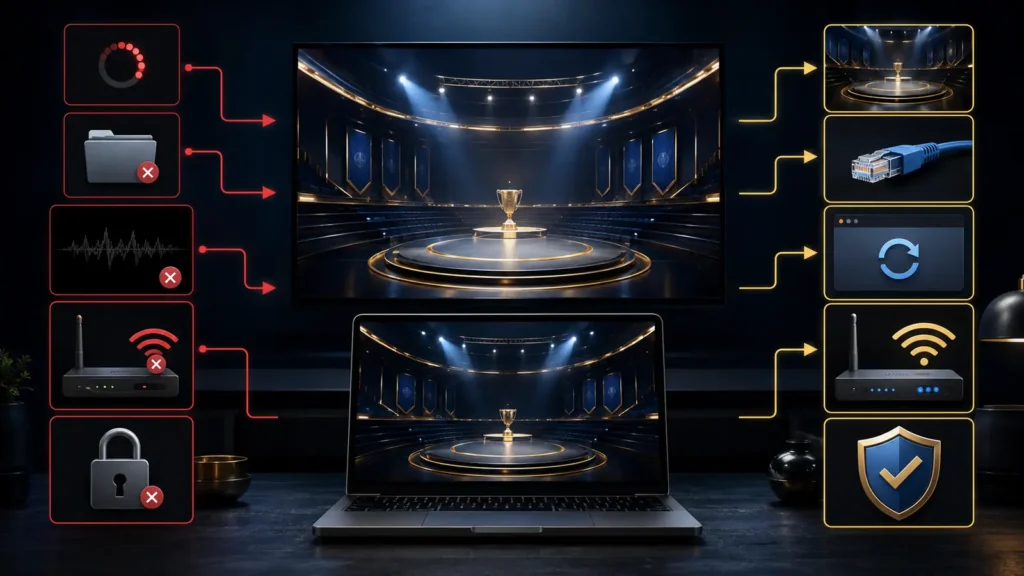
The purchased event is missing
Confirm that:
- You are using the correct account.
- The purchase receipt uses the same email address.
- The payment completed successfully.
- You selected the correct event year.
- The event has been added to the purchased-content area.
OlympiaTV notes that previously purchased livestreams can be found through Transactions under account settings.
The video keeps buffering
Try:
- Pause the stream briefly.
- Close unnecessary applications and browser tabs.
- Move closer to the router or connect by Ethernet.
- Reduce other network use.
- Restart the app.
- Test a different supported device.
The app will not open
Check for an app and operating-system update. Restart the device. If the model is no longer supported, use a current computer browser or another supported platform.
Audio works but video is black
Refresh the player, disable unsupported browser extensions and try a current supported browser. HDMI or casting copy-protection conflicts can also cause black-screen problems on some setups.
The password does not work
Use the official password-reset process. Avoid creating a second account because the purchase remains attached to the original one.
Security tips for online viewers
- Use a unique password.
- Never share login credentials publicly.
- Avoid unofficial browser extensions.
- Do not download unknown “stream players.”
- Verify the domain before entering payment information.
- Use the official help area for account support.
- Never send a one-time login code to another person.
Frequently asked questions
Can I watch Mr Olympia on my phone?
Yes. OlympiaTV lists compatible iPhone, iPad and Android options.
Can I watch on Roku or Fire TV?
The official platform lists Roku and Amazon Fire TV among its television options. Confirm current app availability for your exact device.
Can I use a laptop and HDMI cable?
A laptop connected by HDMI is a practical option when the web player works but a native television app is unavailable.
Can I watch on more than one device?
Account and simultaneous-stream limits should be confirmed from the 2026 purchase terms. Do not assume that one purchase permits multiple concurrent streams.
Where can I get technical help?
Use the official OlympiaTV help page.
Final setup advice
The easiest way to watch Mr Olympia 2026 online is to use a current supported device, sign in early and test playback before the event. Account recovery and television setup should be completed before competition day, not during the opening comparisons.
[…] Olympia TV 2026 is the official online destination for the Mr. Olympia pay-per-view, selected free programming and previous Olympia replays. The service is available through OlympiaProductions.com and does not require a traditional television provider. […]